
How to Use phpMyAdmin in cPanel
How to Use phpMyAdmin in cPanel
phpMyAdmin is a web-based database management tool included with cPanel. It allows you to manage MySQL databases, edit tables, import and export data, and execute SQL queries without using command-line tools.
Steps to Access phpMyAdmin
- Log in to your cPanel account.
- Navigate to the Databases section.
- Click phpMyAdmin.
- Select the database you want to manage from the left sidebar.
- Browse tables, edit records, or execute SQL queries as needed.
- Use the Import or Export tab to back up or restore your database.
- Click Save after making any changes.
Common Uses of phpMyAdmin
- Create and manage MySQL databases.
- Edit database tables and records.
- Import or export SQL backup files.
- Run custom SQL queries.
- Repair or optimize database tables.
Final Thoughts
phpMyAdmin is a powerful tool for managing your website's database directly from cPanel. Always create a database backup before making major changes to avoid accidental data loss.
Was this article helpful?
Related Articles
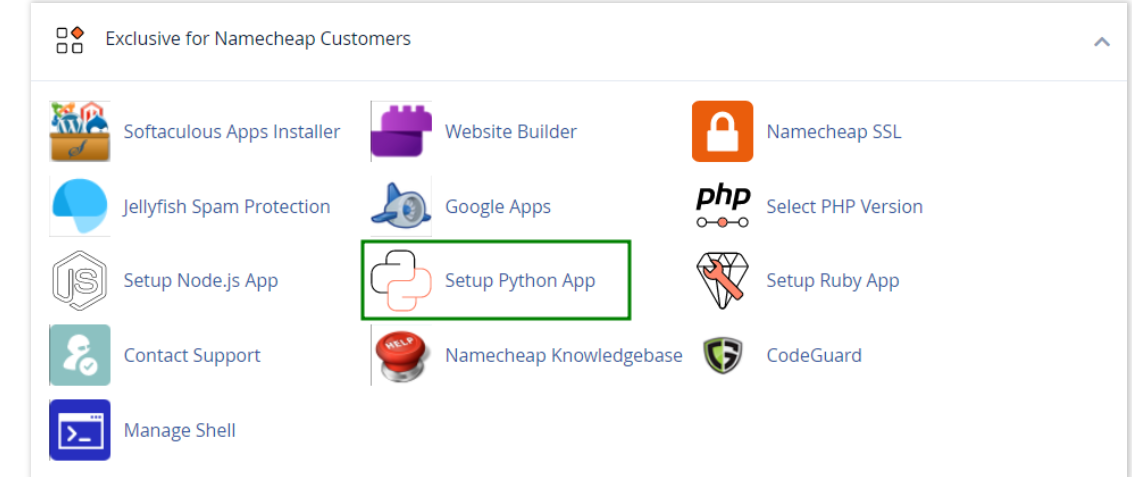
How to work with Python App
The Setup Python App feature allows you to deploy Python applications on your cPanel while running the LiteSpeed web server.
How to Login to cPanel
Deprecated: htmlspecialchars(): Passing null to parameter #1 ($string) of type string is deprecated in /home/u168088175/domains/banglahostbd.com/public_html/support/kb/single_article.php on line 355
How to Check Disk Usage in cPanel
Deprecated: htmlspecialchars(): Passing null to parameter #1 ($string) of type string is deprecated in /home/u168088175/domains/banglahostbd.com/public_html/support/kb/single_article.php on line 355