
How to Check Disk Usage in cPanel
How to Check Disk Usage in cPanel
The Disk Usage tool in cPanel helps you monitor how much storage your hosting account is using. It also identifies large files and folders so you can free up space and improve website performance.
Steps to Check Disk Usage
- Log in to your cPanel account.
- Go to the Files section and click Disk Usage.
- Review the storage usage summary.
- Expand directories to identify large folders and files.
- Delete unnecessary files, old backups, or unused logs if needed.
- Empty the Trash folder in File Manager to reclaim storage space.
- Refresh the Disk Usage page to verify the updated storage usage.
Tips to Save Disk Space
- Remove unused backups and installation files.
- Delete old error logs and cache files.
- Optimize images before uploading.
- Regularly review email storage usage.
Final Thoughts
Monitoring disk usage regularly helps keep your hosting account organized and prevents storage limits from affecting your website. Clean up unnecessary files to maintain optimal performance.
Was this article helpful?
Related Articles
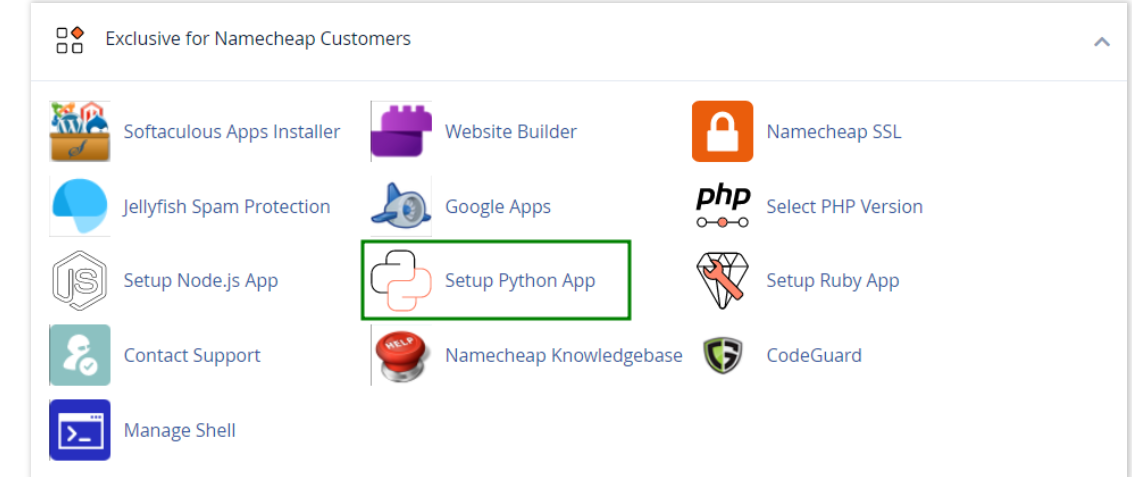
How to work with Python App
The Setup Python App feature allows you to deploy Python applications on your cPanel while running the LiteSpeed web server.
How to Login to cPanel
Deprecated: htmlspecialchars(): Passing null to parameter #1 ($string) of type string is deprecated in /home/u168088175/domains/banglahostbd.com/public_html/support/kb/single_article.php on line 355
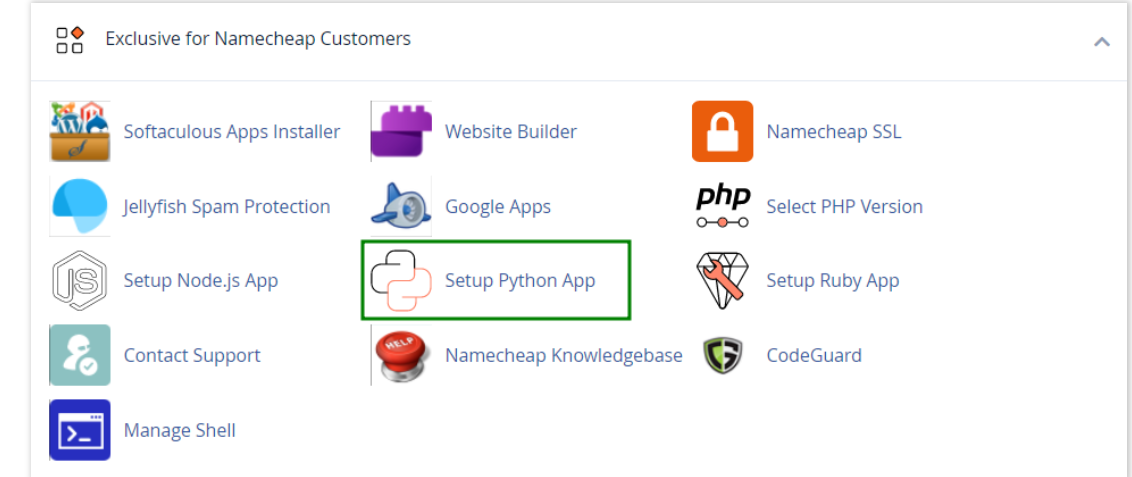
How to use python in cPanel
How use python