
How to Password Protect a Directory in cPanel
How to Password Protect a Directory in cPanel
Password protecting a directory adds an extra layer of security by requiring a username and password before visitors can access specific folders on your website. This is useful for admin areas, client portals, staging sites, and private documents.
Steps to Password Protect a Directory
- Log in to your cPanel account.
- Go to the Files section and click Directory Privacy.
- Select the directory you want to protect.
- Enable Password Protect This Directory.
- Enter a name for the protected area.
- Click Save.
- Create a username and a strong password for authorized users.
- Save the new user and test access to the protected directory.
Why Password Protect a Directory?
- Secure admin or staging folders.
- Protect confidential files.
- Restrict access to private content.
- Add an extra layer of website security.
Final Thoughts
Using Directory Privacy in cPanel is a simple and effective way to protect sensitive areas of your website. Combine it with strong passwords and HTTPS for even better security.
Was this article helpful?
Related Articles
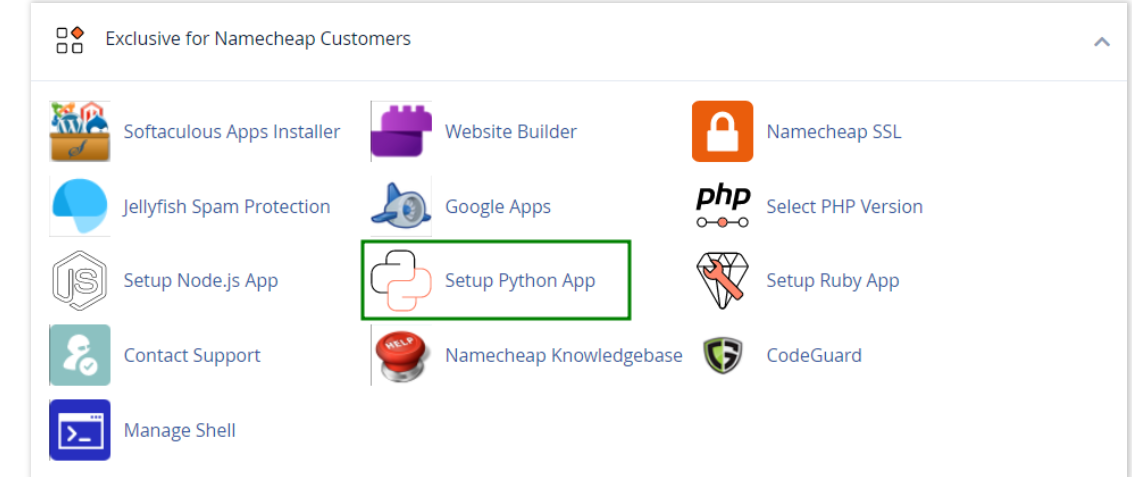
How to work with Python App
The Setup Python App feature allows you to deploy Python applications on your cPanel while running the LiteSpeed web server.
How to Check Disk Usage in cPanel
Deprecated: htmlspecialchars(): Passing null to parameter #1 ($string) of type string is deprecated in /home/u168088175/domains/banglahostbd.com/public_html/support/kb/single_article.php on line 355
How to Login to cPanel
Deprecated: htmlspecialchars(): Passing null to parameter #1 ($string) of type string is deprecated in /home/u168088175/domains/banglahostbd.com/public_html/support/kb/single_article.php on line 355