
How to Install an SSL Certificate in cPanel
How to Install an SSL Certificate in cPanel
An SSL certificate encrypts data between your website and visitors, helping protect sensitive information and enabling HTTPS. Most hosting providers offer free SSL certificates that can be managed directly from cPanel.
Steps to Install an SSL Certificate
- Log in to your cPanel account.
- Navigate to the Security section.
- Open SSL/TLS Status.
- Select the domain you want to secure.
- Click Run AutoSSL or install your SSL certificate if required.
- Wait a few minutes for the installation to complete.
- Visit https://yourdomain.com to confirm that HTTPS is active.
Benefits of SSL
- Encrypts website data.
- Protects customer information.
- Displays the HTTPS padlock.
- Improves SEO rankings.
- Builds visitor trust.
Final Thoughts
Installing an SSL certificate in cPanel is one of the most important steps to secure your website. Always keep SSL active to protect your visitors and improve your website's security and credibility.
Was this article helpful?
Related Articles
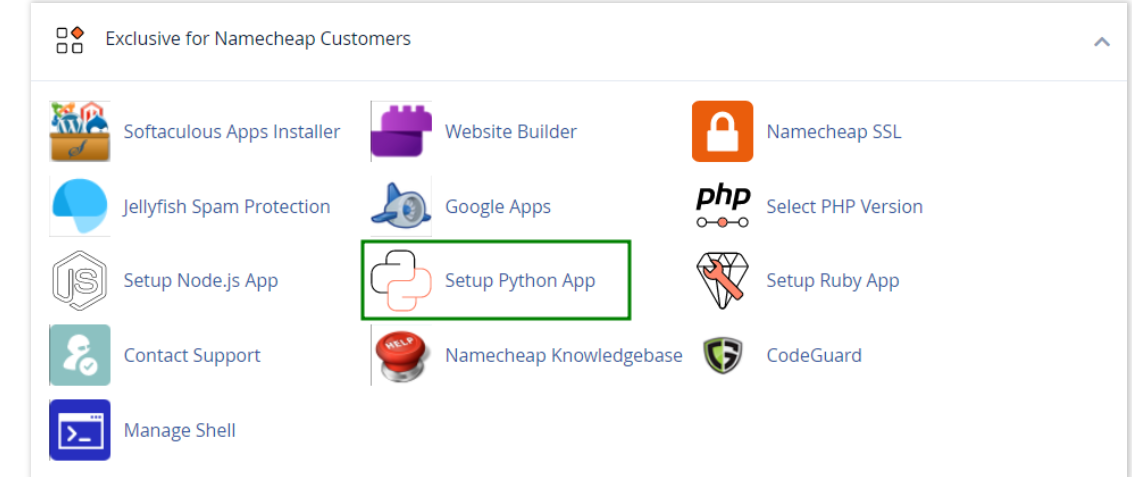
How to work with Python App
The Setup Python App feature allows you to deploy Python applications on your cPanel while running the LiteSpeed web server.
How to Check Disk Usage in cPanel
Deprecated: htmlspecialchars(): Passing null to parameter #1 ($string) of type string is deprecated in /home/u168088175/domains/banglahostbd.com/public_html/support/kb/single_article.php on line 355
How to Login to cPanel
Deprecated: htmlspecialchars(): Passing null to parameter #1 ($string) of type string is deprecated in /home/u168088175/domains/banglahostbd.com/public_html/support/kb/single_article.php on line 355