
How to Login to cPanel
How to Login to cPanel
cPanel is one of the most popular web hosting control panels. It allows you to manage your website, email accounts, databases, files, SSL certificates, backups, and many other hosting features from one dashboard.
Steps to Login to cPanel
- Open your web browser.
- Visit https://yourdomain.com/cpanel or use the cPanel URL provided by your hosting provider.
- Enter your cPanel username and password.
- Click the Log In button.
- After logging in, you can manage files, email accounts, databases, domains, backups, SSL certificates, and more.
Common Login Issues
- Verify that your username and password are correct.
- Clear your browser cache and cookies if the login page doesn't load properly.
- Make sure your hosting account is active.
- Reset your cPanel password if you've forgotten it.
Final Thoughts
Logging in to cPanel is quick and simple. Once inside, you can easily manage your hosting account, website files, emails, databases, security settings, and backups from a single, user-friendly dashboard.
`Was this article helpful?
Related Articles
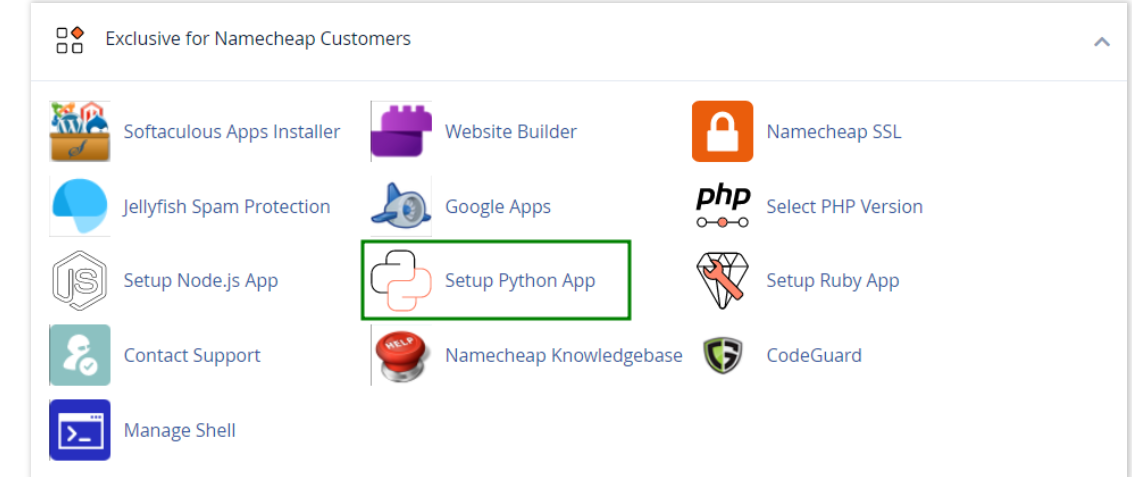
How to work with Python App
The Setup Python App feature allows you to deploy Python applications on your cPanel while running the LiteSpeed web server.
How to Check Disk Usage in cPanel
Deprecated: htmlspecialchars(): Passing null to parameter #1 ($string) of type string is deprecated in /home/u168088175/domains/banglahostbd.com/public_html/support/kb/single_article.php on line 355
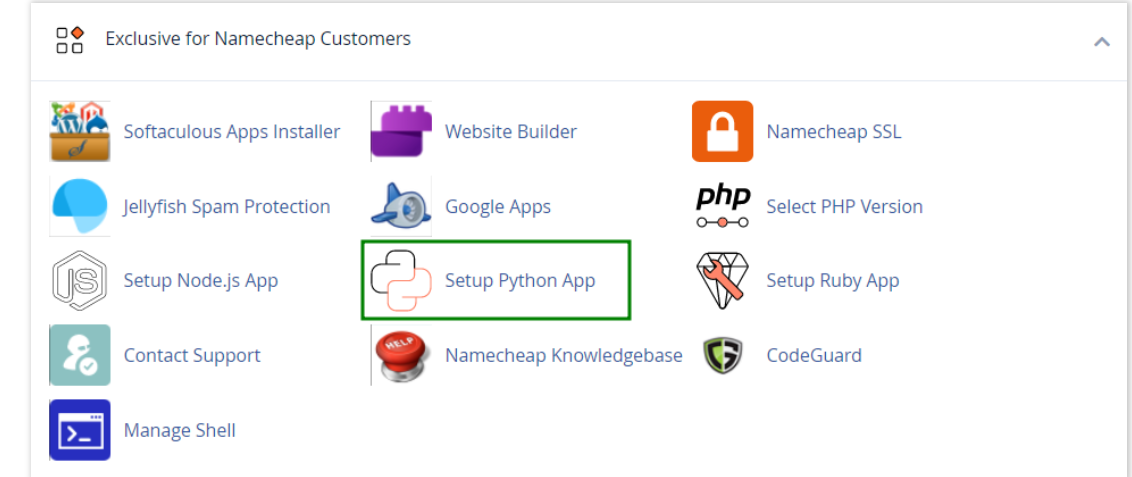
How to use python in cPanel
How use python