
How to Create a Subdomain in cPanel
How to Create a Subdomain in cPanel
A subdomain lets you create separate sections of your website, such as blog.yourdomain.com, shop.yourdomain.com, or support.yourdomain.com, without registering a new domain name.
Steps to Create a Subdomain
- Log in to your cPanel account.
- Go to the Domains section and click Domains or Subdomains (depending on your cPanel version).
- Click Create a New Domain or Create Subdomain.
- Enter your desired subdomain name (e.g., blog).
- Select the primary domain.
- Choose the document root if required.
- Click Create.
- Upload your website files to the new subdomain folder using File Manager or FTP.
Common Uses for Subdomains
- Create a blog or news section.
- Launch an online store.
- Build a client portal or support center.
- Create a staging or development environment.
Final Thoughts
Subdomains are an excellent way to organize different sections of your website while keeping everything under the same domain. cPanel makes creating and managing subdomains quick and easy.
Was this article helpful?
Related Articles
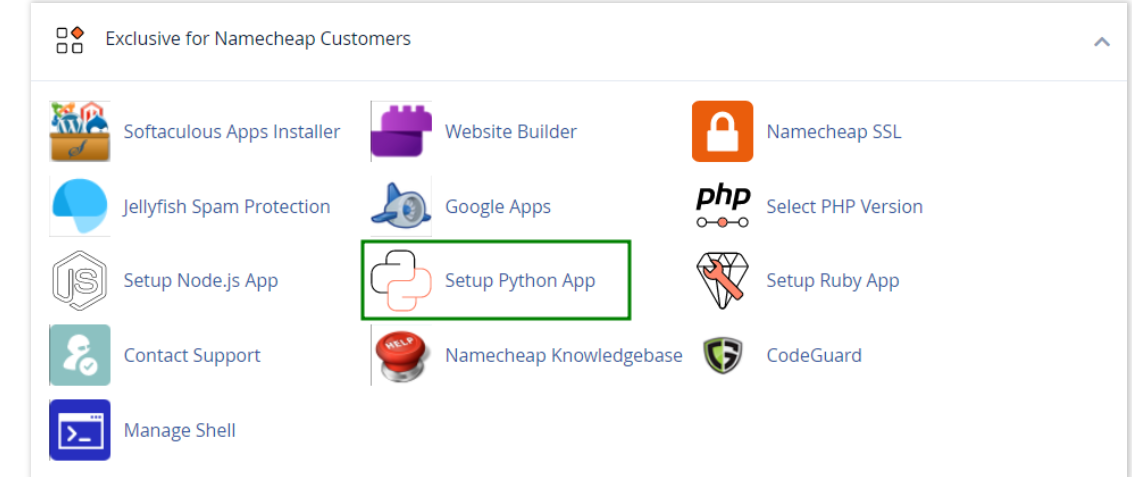
How to work with Python App
The Setup Python App feature allows you to deploy Python applications on your cPanel while running the LiteSpeed web server.
How to Check Disk Usage in cPanel
Deprecated: htmlspecialchars(): Passing null to parameter #1 ($string) of type string is deprecated in /home/u168088175/domains/banglahostbd.com/public_html/support/kb/single_article.php on line 355
How to Login to cPanel
Deprecated: htmlspecialchars(): Passing null to parameter #1 ($string) of type string is deprecated in /home/u168088175/domains/banglahostbd.com/public_html/support/kb/single_article.php on line 355