
How to Create a MySQL Database in cPanel
How to Create a MySQL Database in cPanel
A MySQL database stores your website's content, user information, and application data. Creating a database in cPanel is simple and only takes a few minutes.
Steps to Create a MySQL Database
- Log in to your cPanel account.
- Go to the Databases section.
- Click Manage My Databases or MySQL® Databases.
- Enter a name for your new database.
- Click Create Database.
- Create a new database user with a strong password.
- Add the user to the database.
- Grant All Privileges and save your changes.
Common Uses
- Install WordPress.
- Run Laravel and PHP applications.
- Store website data securely.
- Manage dynamic website content.
Final Thoughts
Creating a MySQL database in cPanel is an essential step for most websites and web applications. Always use strong database credentials and keep a backup of your database for added security.
Was this article helpful?
Related Articles
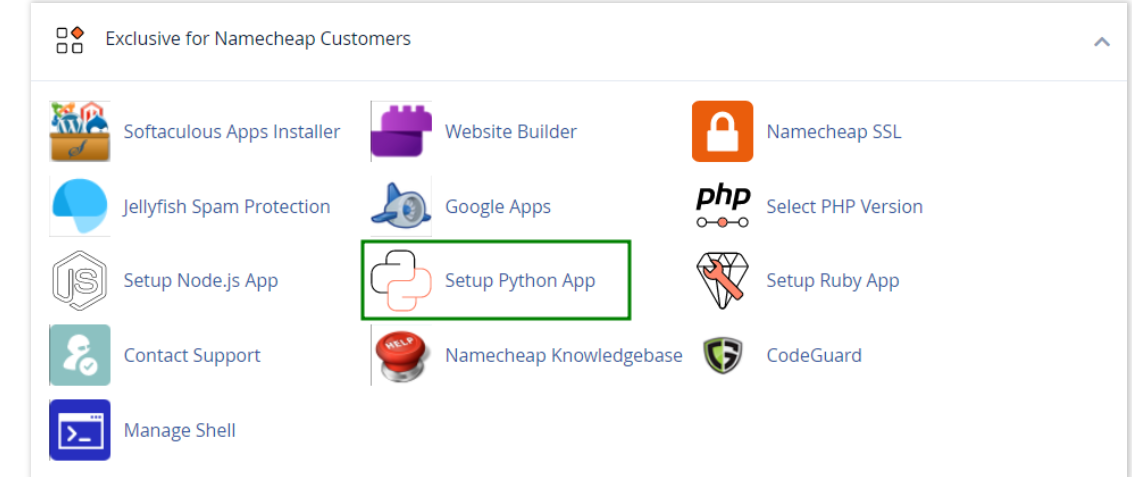
How to work with Python App
The Setup Python App feature allows you to deploy Python applications on your cPanel while running the LiteSpeed web server.
How to Check Disk Usage in cPanel
Deprecated: htmlspecialchars(): Passing null to parameter #1 ($string) of type string is deprecated in /home/u168088175/domains/banglahostbd.com/public_html/support/kb/single_article.php on line 355
How to Login to cPanel
Deprecated: htmlspecialchars(): Passing null to parameter #1 ($string) of type string is deprecated in /home/u168088175/domains/banglahostbd.com/public_html/support/kb/single_article.php on line 355