
How to Create an FTP Account in cPanel
How to Create an FTP Account in cPanel
FTP (File Transfer Protocol) allows you to securely upload, download, and manage your website files using FTP clients such as FileZilla. cPanel makes it easy to create multiple FTP accounts with different access permissions.
Steps to Create an FTP Account
- Log in to your cPanel account.
- Navigate to the Files section and click FTP Accounts.
- Enter your desired FTP username.
- Select the domain associated with the FTP account.
- Create a strong password or use the Password Generator.
- Select the directory the FTP user can access.
- Set a disk quota or choose Unlimited.
- Click Create FTP Account.
Why Use an FTP Account?
- Upload website files quickly.
- Edit files using FTP software.
- Provide limited file access to developers.
- Manage large website uploads efficiently.
Final Thoughts
Creating an FTP account in cPanel is a simple way to securely manage your website files. Always use strong passwords and delete unused FTP accounts to keep your hosting account secure.
Was this article helpful?
Related Articles
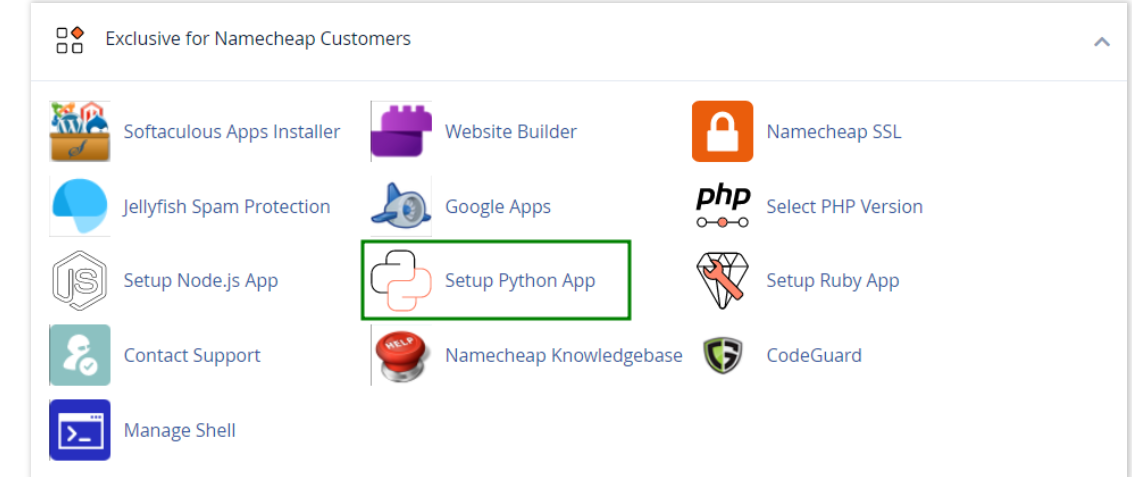
How to work with Python App
The Setup Python App feature allows you to deploy Python applications on your cPanel while running the LiteSpeed web server.
How to Check Disk Usage in cPanel
Deprecated: htmlspecialchars(): Passing null to parameter #1 ($string) of type string is deprecated in /home/u168088175/domains/banglahostbd.com/public_html/support/kb/single_article.php on line 355
How to Login to cPanel
Deprecated: htmlspecialchars(): Passing null to parameter #1 ($string) of type string is deprecated in /home/u168088175/domains/banglahostbd.com/public_html/support/kb/single_article.php on line 355