
How to Create a Cron Job in cPanel
How to Create a Cron Job in cPanel
A Cron Job allows you to automate repetitive tasks on your hosting account. It can run PHP scripts, backups, email notifications, and maintenance tasks automatically at scheduled times.
Steps to Create a Cron Job
- Log in to your cPanel account.
- Go to the Advanced section and click Cron Jobs.
- Select a common schedule or enter a custom time using the minute, hour, day, month, and weekday fields.
- Enter the command you want to execute.
- Click Add New Cron Job.
- Verify that the Cron Job appears in the current jobs list.
Common Uses for Cron Jobs
- Run automated website backups.
- Execute scheduled PHP scripts.
- Send automated email reports.
- Clear cache and temporary files.
- Perform routine website maintenance.
Final Thoughts
Cron Jobs are a powerful feature in cPanel that help automate repetitive tasks and improve website efficiency. Always test your command before scheduling it to ensure it runs correctly.
Was this article helpful?
Related Articles
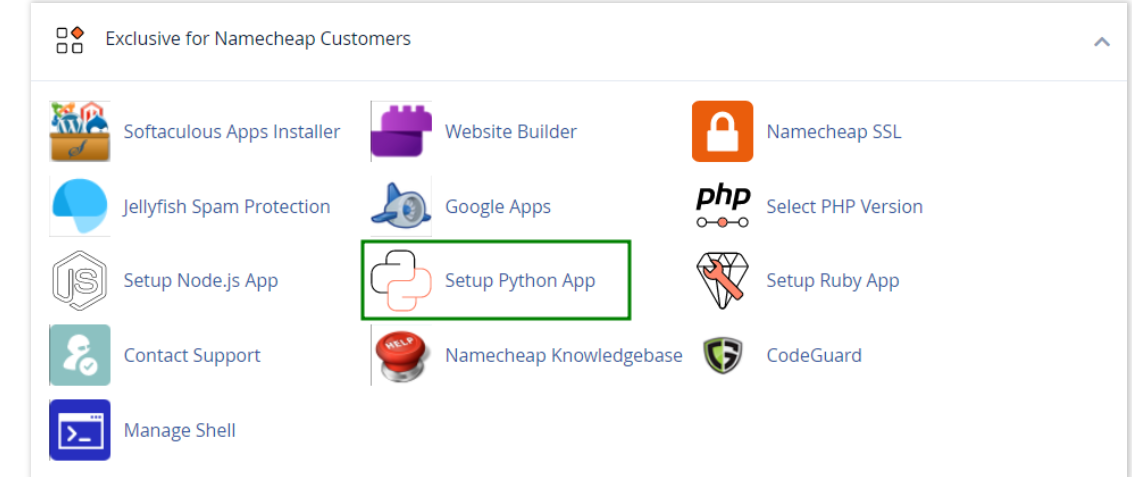
How to work with Python App
The Setup Python App feature allows you to deploy Python applications on your cPanel while running the LiteSpeed web server.
How to Check Disk Usage in cPanel
Deprecated: htmlspecialchars(): Passing null to parameter #1 ($string) of type string is deprecated in /home/u168088175/domains/banglahostbd.com/public_html/support/kb/single_article.php on line 355
How to Login to cPanel
Deprecated: htmlspecialchars(): Passing null to parameter #1 ($string) of type string is deprecated in /home/u168088175/domains/banglahostbd.com/public_html/support/kb/single_article.php on line 355