
How to Change PHP Version in cPanel
How to Change PHP Version in cPanel
Changing your PHP version in cPanel helps improve website performance, security, and compatibility. Most hosting providers allow you to switch PHP versions using the built-in PHP Selector or MultiPHP Manager.
Steps to Change PHP Version
- Log in to your cPanel account.
- Open Select PHP Version or MultiPHP Manager.
- Select the domain you want to update.
- Choose your preferred PHP version from the dropdown list.
- Click Apply or Set as Current.
- Refresh your website and verify that everything is working correctly.
Benefits of Using the Latest PHP Version
- Improves website speed and performance.
- Enhances website security.
- Supports the latest WordPress and PHP applications.
- Fixes bugs and compatibility issues.
Final Thoughts
Keeping your PHP version up to date is one of the easiest ways to improve your website's performance and security. Before changing the version, always create a backup and test your website to ensure compatibility.
Was this article helpful?
Related Articles
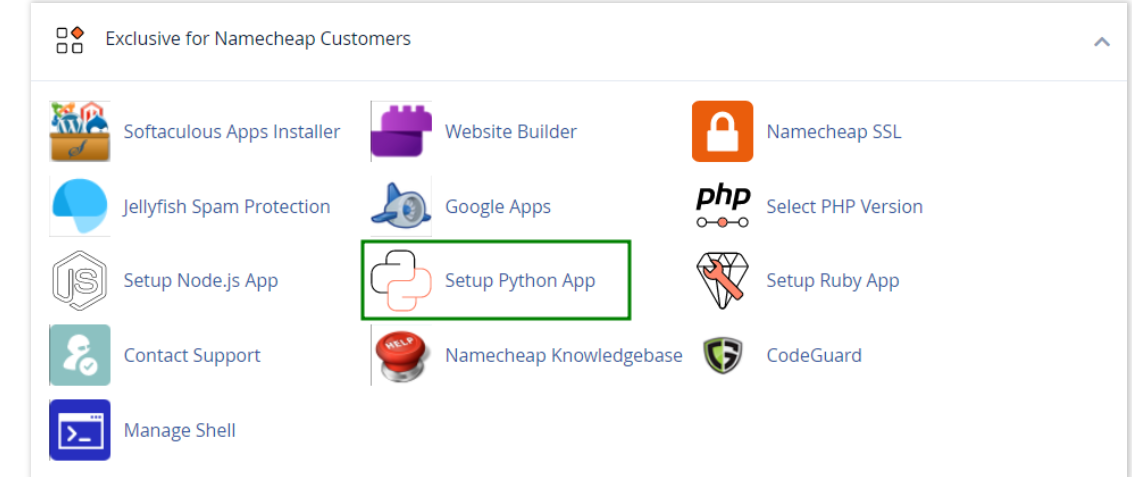
How to work with Python App
The Setup Python App feature allows you to deploy Python applications on your cPanel while running the LiteSpeed web server.
How to Login to cPanel
Deprecated: htmlspecialchars(): Passing null to parameter #1 ($string) of type string is deprecated in /home/u168088175/domains/banglahostbd.com/public_html/support/kb/single_article.php on line 355
How to Check Disk Usage in cPanel
Deprecated: htmlspecialchars(): Passing null to parameter #1 ($string) of type string is deprecated in /home/u168088175/domains/banglahostbd.com/public_html/support/kb/single_article.php on line 355