
How to Block an IP Address in cPanel
How to Block an IP Address in cPanel
The IP Blocker feature in cPanel allows you to prevent specific IP addresses or IP ranges from accessing your website. This helps reduce spam, block malicious visitors, and improve website security.
Steps to Block an IP Address
- Log in to your cPanel account.
- Go to the Security section and click IP Blocker.
- Enter the IP address or IP range you want to block.
- Click Add to save the rule.
- Verify that the blocked IP appears in the blocked IP list.
- Remove or update the rule at any time if needed.
Why Block an IP Address?
- Stop repeated login attempts.
- Block spam and abusive traffic.
- Prevent unauthorized website access.
- Improve overall website security.
Final Thoughts
Blocking suspicious IP addresses is a simple but effective way to protect your website. Review your website logs regularly and block malicious IPs whenever necessary to maintain a secure hosting environment.
Was this article helpful?
Related Articles
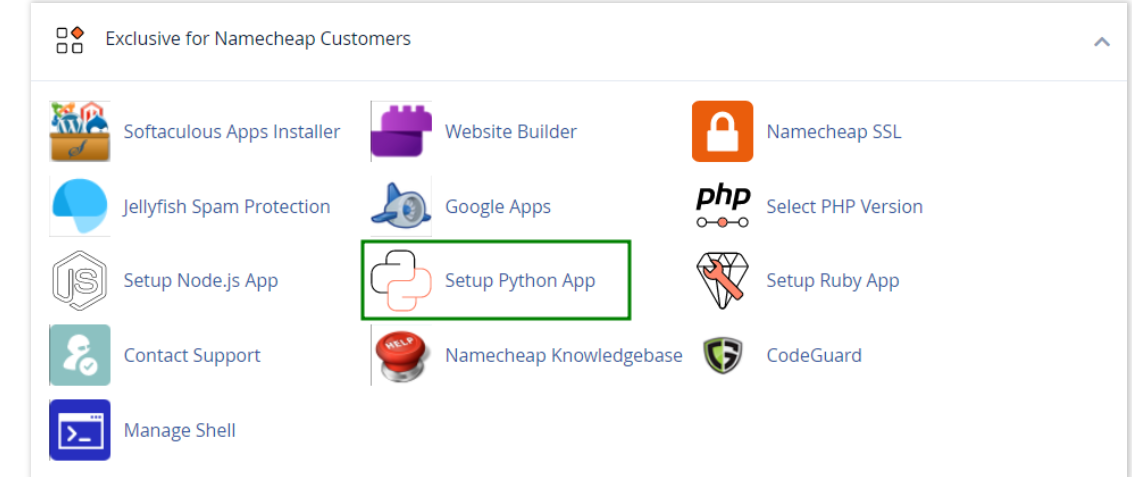
How to work with Python App
The Setup Python App feature allows you to deploy Python applications on your cPanel while running the LiteSpeed web server.
How to Check Disk Usage in cPanel
Deprecated: htmlspecialchars(): Passing null to parameter #1 ($string) of type string is deprecated in /home/u168088175/domains/banglahostbd.com/public_html/support/kb/single_article.php on line 355
How to Login to cPanel
Deprecated: htmlspecialchars(): Passing null to parameter #1 ($string) of type string is deprecated in /home/u168088175/domains/banglahostbd.com/public_html/support/kb/single_article.php on line 355