
How to Create an Email Account in cPanel
How to Create an Email Account in cPanel
Creating a professional email address like info@yourdomain.com helps build trust and improves your business credibility. You can easily create and manage email accounts from your cPanel dashboard.
Steps to Create an Email Account
- Log in to your cPanel account.
- Go to the Email section and click Email Accounts.
- Click the Create button.
- Select your domain name.
- Enter your preferred email address.
- Create a strong password or use the Password Generator.
- Set the mailbox storage quota if needed.
- Click Create to finish.
Benefits of a Professional Email
- Build customer trust.
- Strengthen your brand identity.
- Improve business communication.
- Access email through Webmail or email apps.
Final Thoughts
A custom email address gives your business a professional image. cPanel makes it easy to create, manage, and access email accounts whenever you need them.
Was this article helpful?
Related Articles
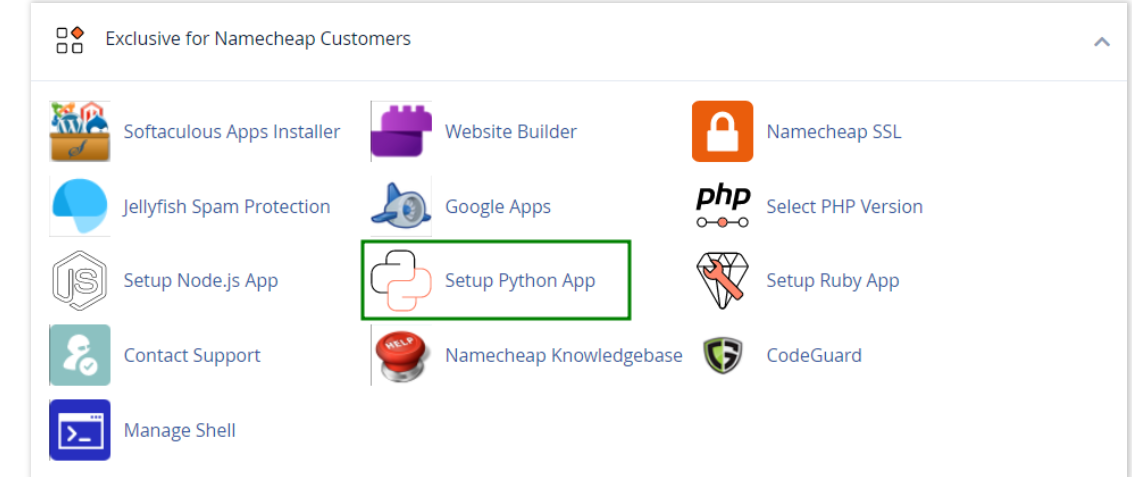
How to work with Python App
The Setup Python App feature allows you to deploy Python applications on your cPanel while running the LiteSpeed web server.
How to Check Disk Usage in cPanel
Deprecated: htmlspecialchars(): Passing null to parameter #1 ($string) of type string is deprecated in /home/u168088175/domains/banglahostbd.com/public_html/support/kb/single_article.php on line 355
How to Login to cPanel
Deprecated: htmlspecialchars(): Passing null to parameter #1 ($string) of type string is deprecated in /home/u168088175/domains/banglahostbd.com/public_html/support/kb/single_article.php on line 355