
How to Create an Addon Domain in cPanel
How to Create an Addon Domain in cPanel
An Addon Domain allows you to host multiple websites from a single cPanel hosting account. Each addon domain has its own document root, making it function as an independent website.
Steps to Create an Addon Domain
- Log in to your cPanel account.
- Go to the Domains section and click Domains.
- Click Create A New Domain.
- Enter the new domain name you want to add.
- Disable the option to share the document root if you want a separate website.
- Choose or confirm the document root directory.
- Click Submit or Create.
- Upload your website files to the new document root using File Manager or FTP.
Benefits of Addon Domains
- Host multiple websites on one hosting account.
- Manage each website independently.
- Save hosting costs.
- Keep website files organized.
Final Thoughts
Addon Domains are an excellent solution for hosting multiple websites without purchasing separate hosting plans. After adding the domain, make sure its DNS points to your hosting server before uploading your website.
Was this article helpful?
Related Articles
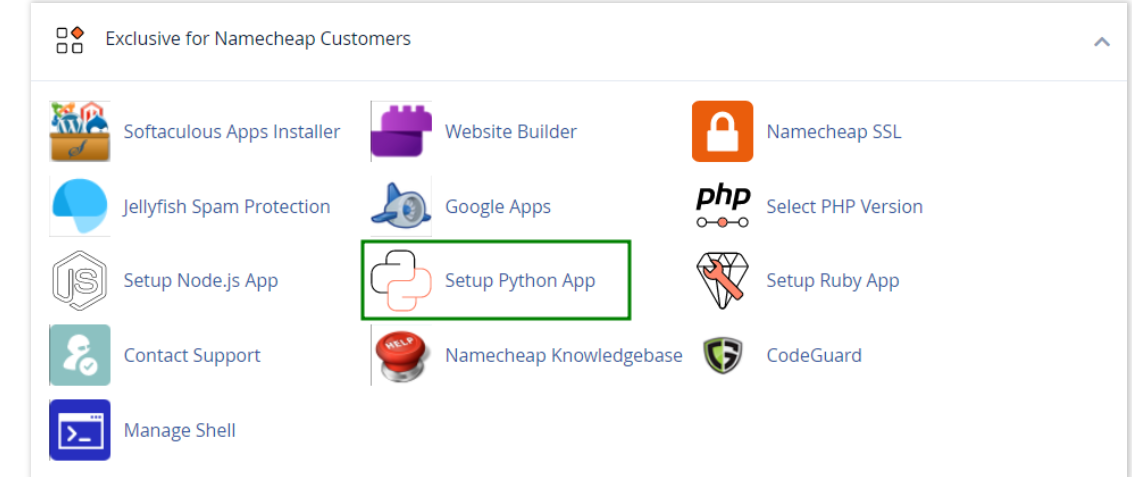
How to work with Python App
The Setup Python App feature allows you to deploy Python applications on your cPanel while running the LiteSpeed web server.
How to Check Disk Usage in cPanel
Deprecated: htmlspecialchars(): Passing null to parameter #1 ($string) of type string is deprecated in /home/u168088175/domains/banglahostbd.com/public_html/support/kb/single_article.php on line 355
How to Login to cPanel
Deprecated: htmlspecialchars(): Passing null to parameter #1 ($string) of type string is deprecated in /home/u168088175/domains/banglahostbd.com/public_html/support/kb/single_article.php on line 355