# How to Buy a Domain from BanglaHost – Step-by-Step Guide for Beginners
A domain name is the foundation of your online presence. Whether you're starting a personal blog, business website, online store, or portfolio, the first step is choosing and registering the right domain name. BanglaHost makes domain registration simple, secure, and affordable for customers in Bangladesh and around the world.
In this guide, you'll learn exactly how to buy a domain from BanglaHost, search for available domain names, complete your registration, and manage your domain with confidence.
## Step 1: Search for Your Domain Name
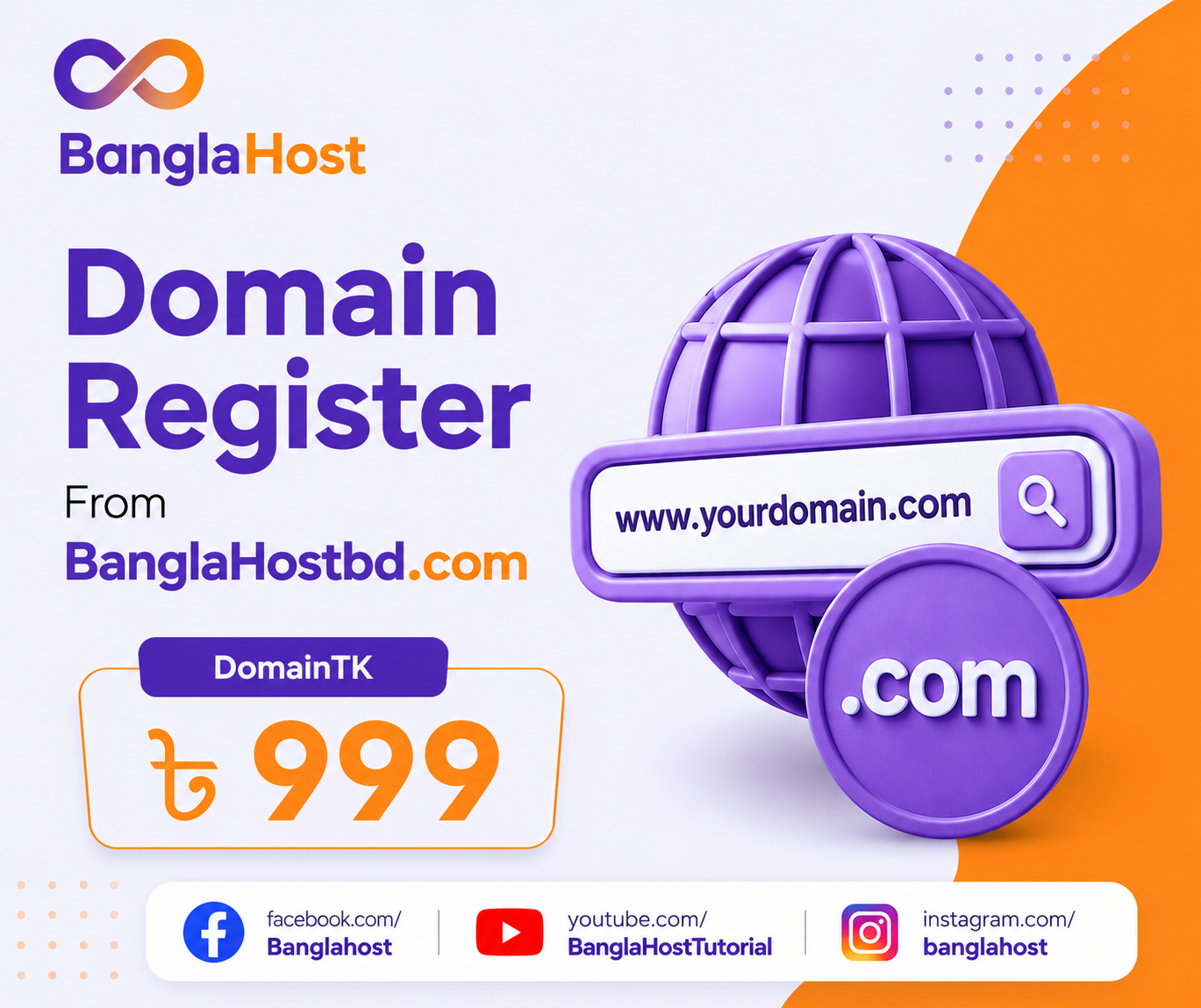
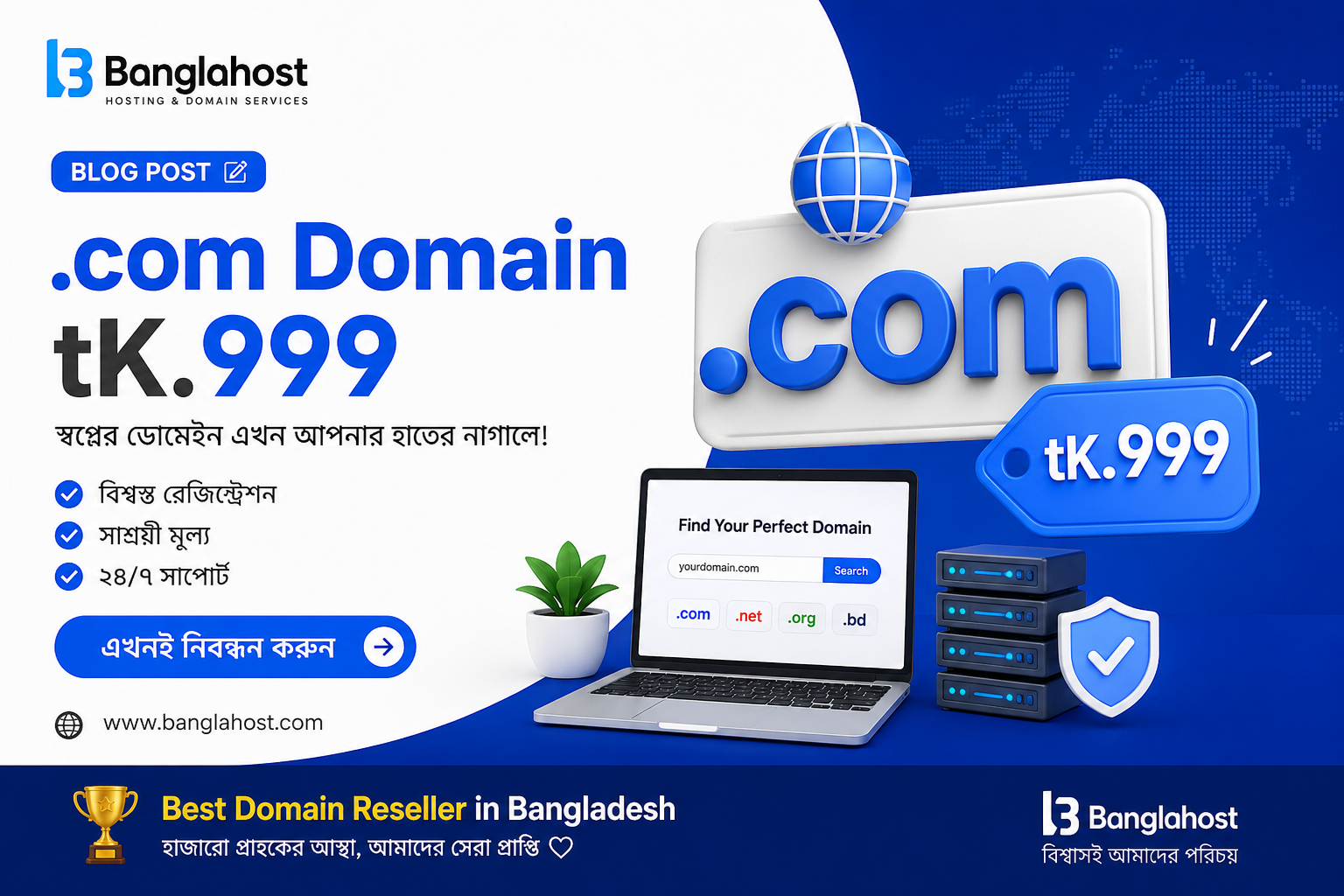
Visit the BanglaHost Domain Search page and enter the domain name you'd like to register. Our real-time domain availability checker instantly shows whether your preferred domain is available.
If your first choice is already taken, BanglaHost will help you discover alternative domain extensions and similar names that match your brand.
## Step 2: Choose the Right Domain Extension
Select the extension that best fits your website or business. Popular options include:
* .com
* .net
* .org
* .info
* .xyz
* .online
* .store
* .bd (where available)
Choosing a memorable and relevant domain name helps improve brand recognition and makes it easier for visitors to find your website.
## Step 3: Add the Domain to Your Cart
After selecting your preferred domain, click **Add to Cart** and review your order. You can also choose the registration period that best suits your needs.
## Step 4: Create Your BanglaHost Account
If you're a new customer, create a BanglaHost account by providing your name, email address, phone number, and billing information. Existing customers can simply log in to continue the purchase.
## Step 5: Complete Secure Payment
BanglaHost supports secure payment options for customers in Bangladesh. After your payment is confirmed, your domain registration request is processed automatically.
## Step 6: Domain Registration Confirmation
Once registration is complete, you'll receive a confirmation email containing your domain details and account information. Your newly registered domain will appear in your BanglaHost client dashboard.
## Step 7: Manage Your Domain
From your BanglaHost dashboard, you can easily:
* Manage DNS records
* Update nameservers
* Enable domain lock
* Renew your domain
* Configure WHOIS information
* Manage domain forwarding
* Protect your domain with security features
Everything is available from one convenient control panel.
## Tips for Choosing the Perfect Domain
* Keep it short and memorable.
* Avoid numbers and hyphens whenever possible.
* Use keywords related to your business.
* Choose a trusted extension like .com if available.
* Register your domain before someone else does.
## Why Buy Your Domain from BanglaHost?
BanglaHost provides reliable domain registration backed by fast support and secure management tools. Customers enjoy competitive pricing, easy domain management, DNS control, renewal reminders, and professional assistance whenever needed.
Whether you're launching your first website or managing multiple domains, BanglaHost offers a simple registration process designed for beginners and professionals alike.
## Final Thoughts
Registering a domain is the first step toward building your online identity. With BanglaHost, you can search, register, and manage your domain quickly and securely. If you're ready to create your website, start by finding the perfect domain name and complete your registration in just a few minutes.